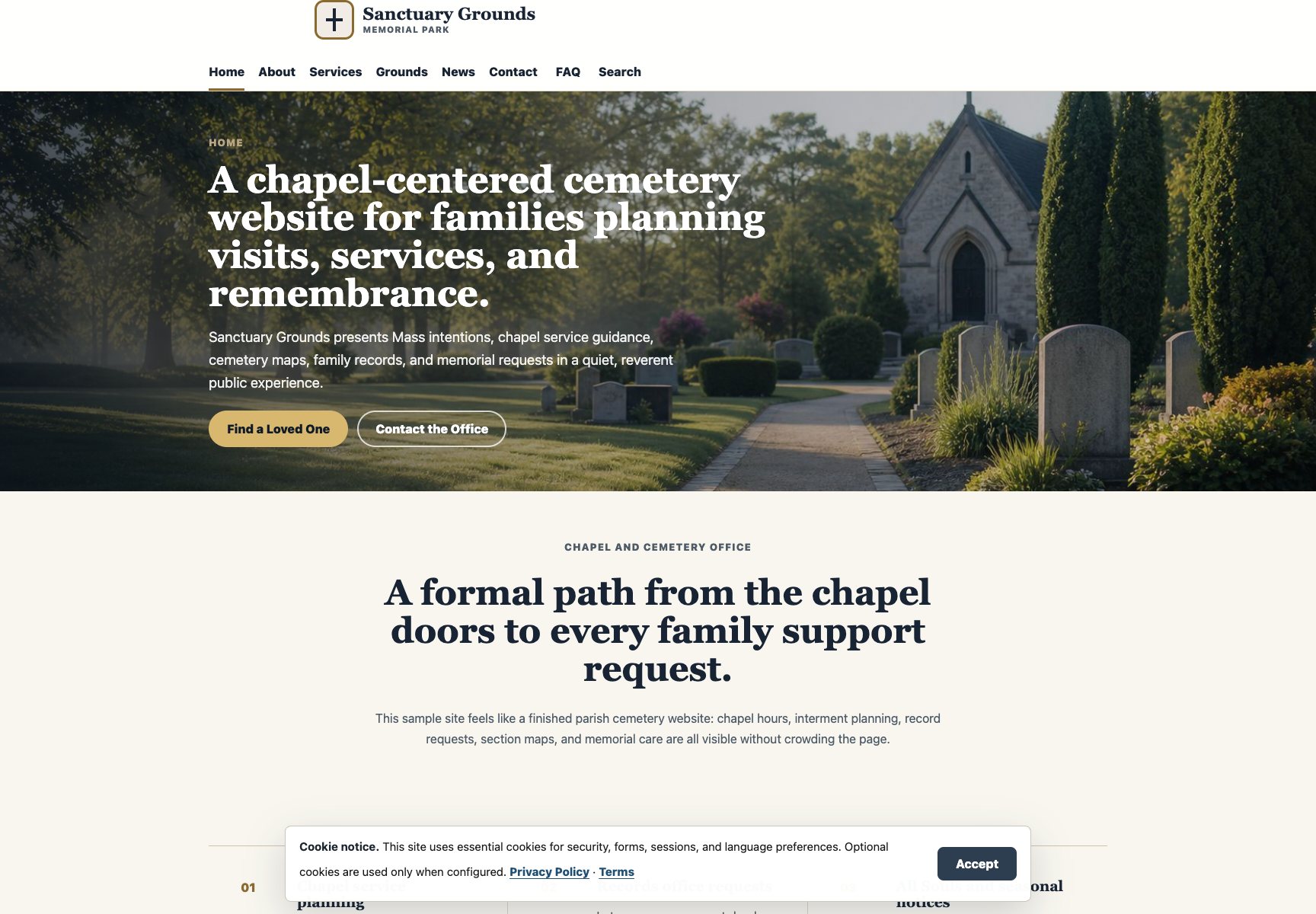
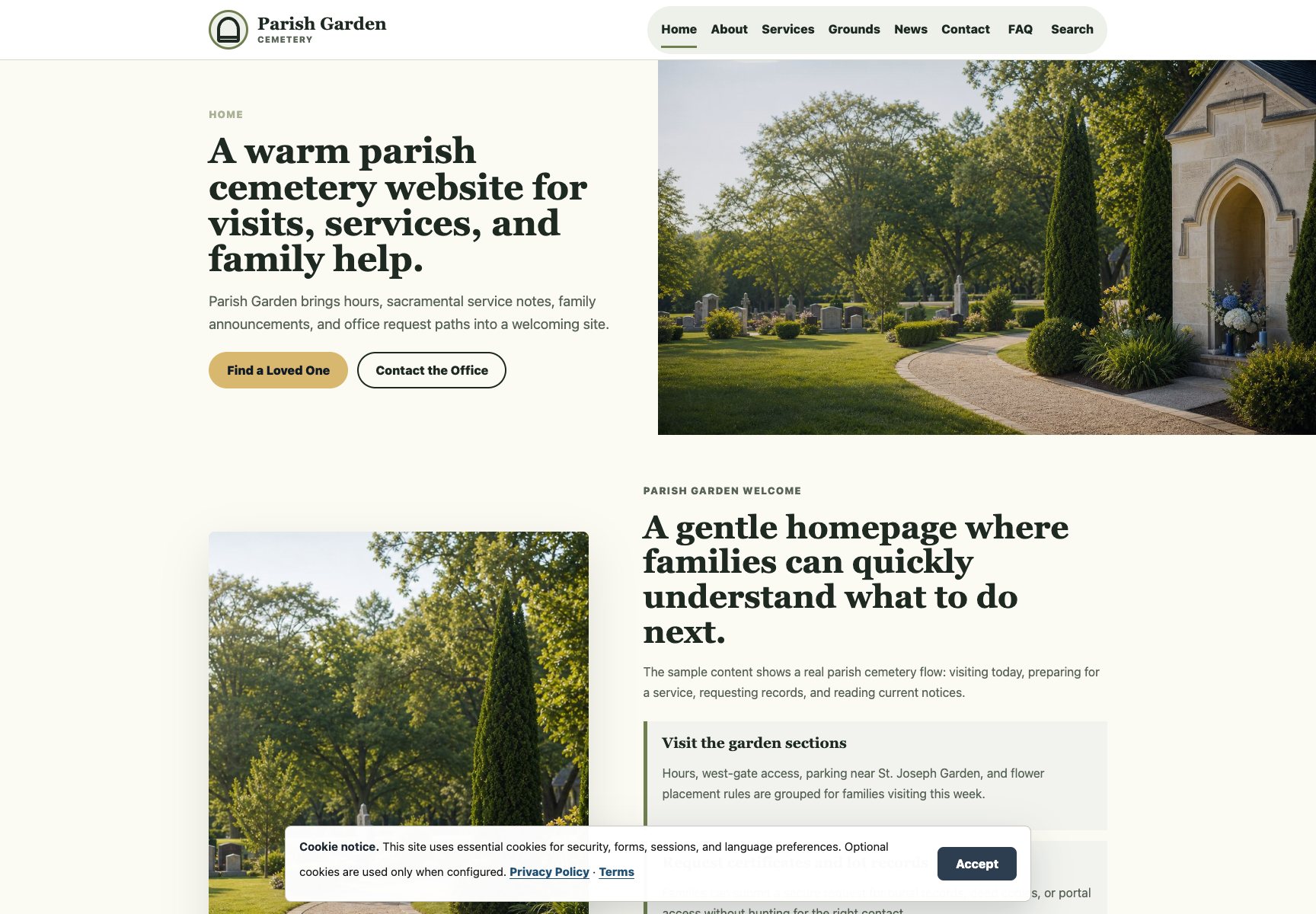
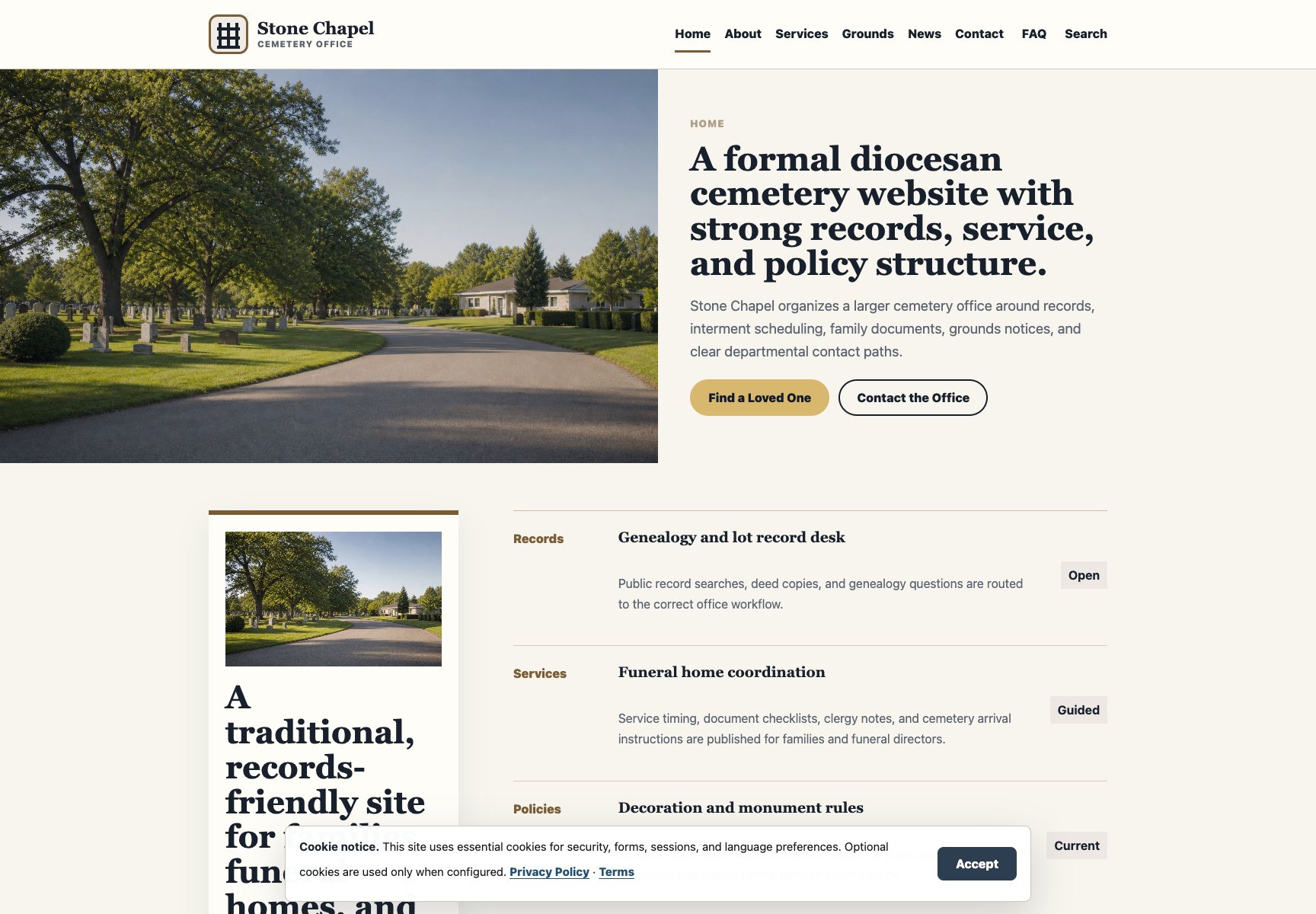
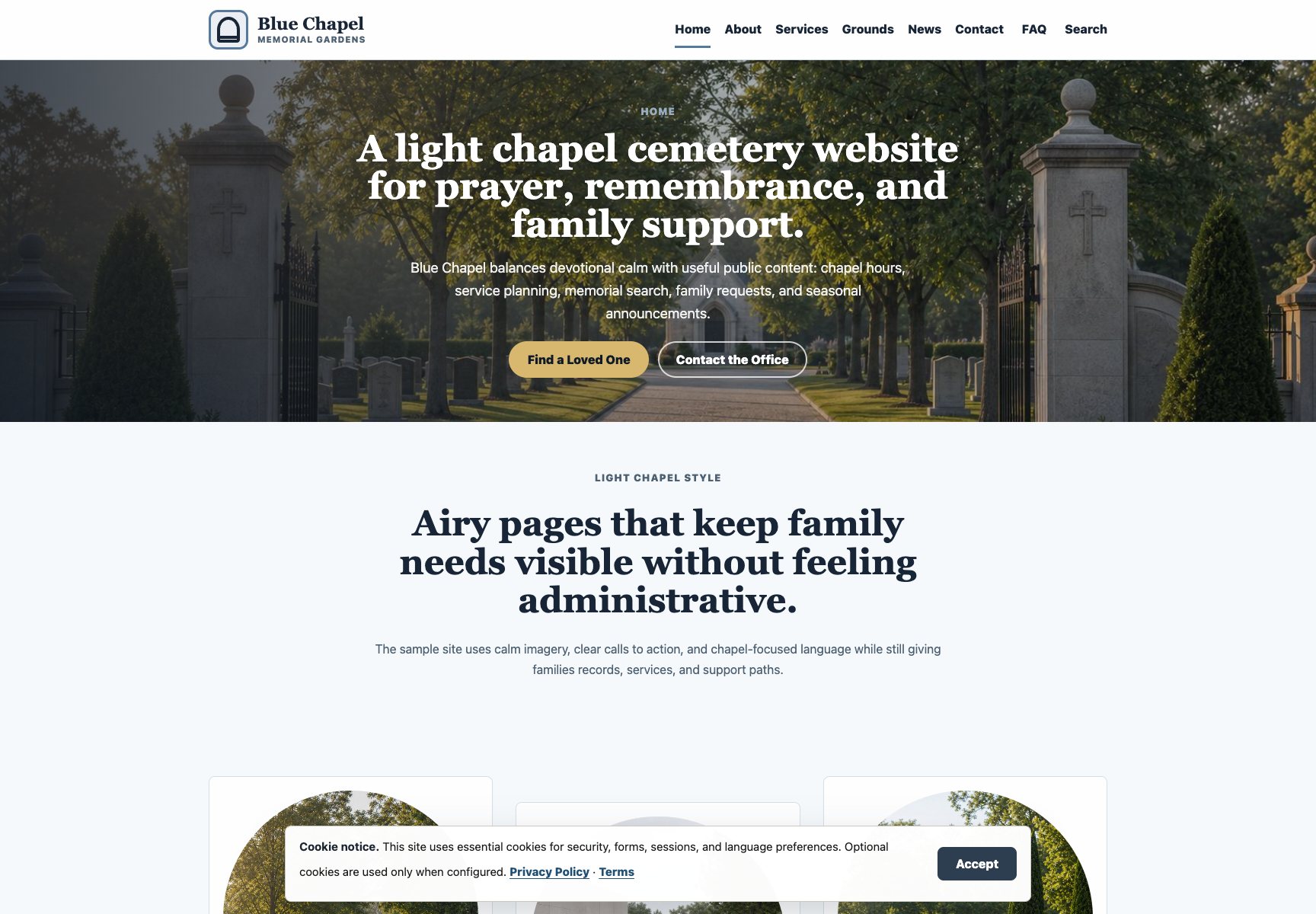
Parish and Catholic cemeteries
Publish hours, history, services, announcements, maps, and family guidance with a calm, reverent tone.
Custodia Serena gives cemetery teams a polished public website, guided requests, media, domains, payments, and staff workflows in one calm system.
Each style uses a fixed professional layout with realistic demo content, distinct imagery, structured pages, mobile navigation, and clear calls to contact the cemetery office.
Custodia Serena is built for teams that need a trustworthy public website and practical staff tools without asking grieving families to navigate a noisy enterprise system.
Publish hours, history, services, announcements, maps, and family guidance with a calm, reverent tone.
Make public records, directions, notices, and office contact paths easier for residents to find.
Give families a clearer path for requests, documents, payments, visit notifications, and memorial support.
Use guided setup, support tickets, custom domains, media tools, and launch checks without custom software work.
The workspace is organized around the jobs cemetery staff actually manage: public information, records, family requests, payments, domains, media, support, and launch readiness.
Staff choose a prebuilt design, add structured cemetery information, upload realistic media, review legal pages, connect a domain, and preview before publishing.
Teams manage records, media, service information, support tickets, and launch tasks in the dashboard. The public website renders only populated content through the selected template.
Dashboard
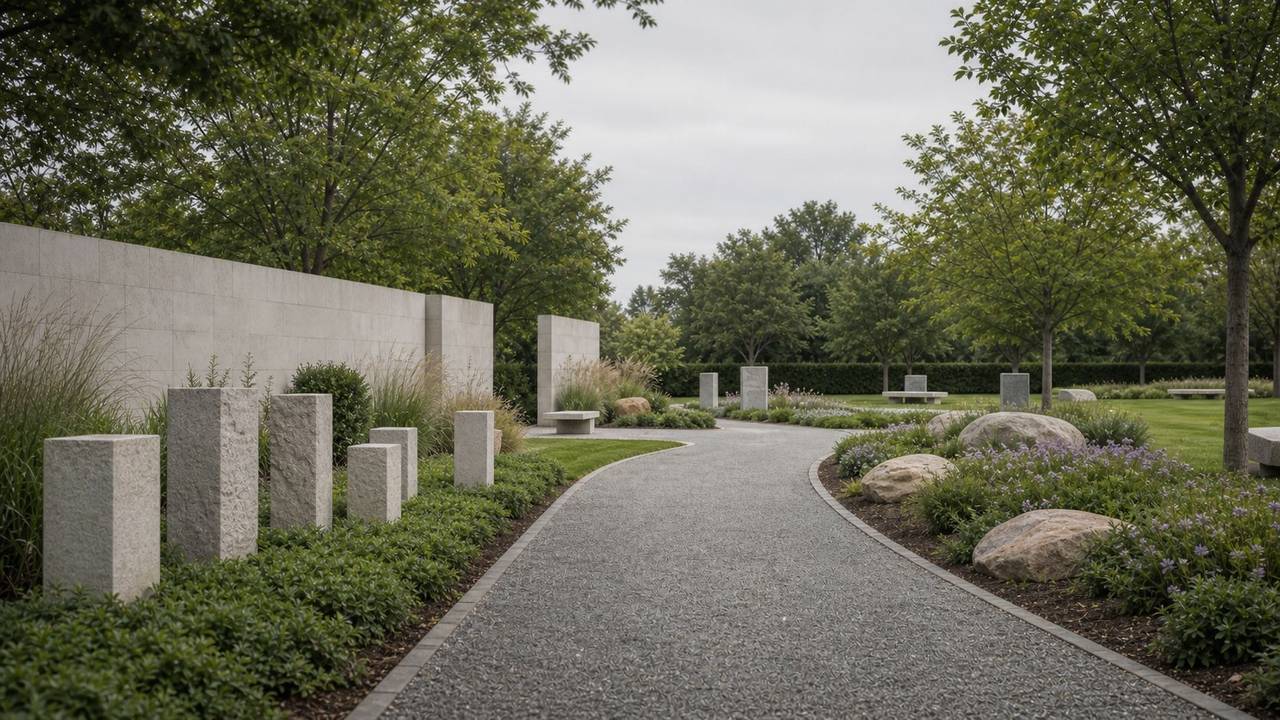
Public website
Hours, services, notices, grave search, and family requests stay clear on mobile and desktop.
Use Custodia Serena for an English public cemetery website with guided publishing, support workflows, custom-domain help, and launch checks.
Launch and manage a polished cemetery website in English.
No. Custodia Serena uses fixed professional templates and guided content fields so staff can publish without designing layouts from scratch.
Yes. The dashboard explains the default Custodia Serena URL and the custom-domain steps for pointing DNS to the platform.
The account follows the service language selected at signup, so the public website, templates, and dashboard guidance stay consistent for that cemetery team.
No. Public pages should only render populated, approved content so families never see empty cards, broken images, or placeholder text.
Choose a prebuilt cemetery template, add realistic media, connect a domain, and publish only when the content is ready.